container queries examples - 2

revision:


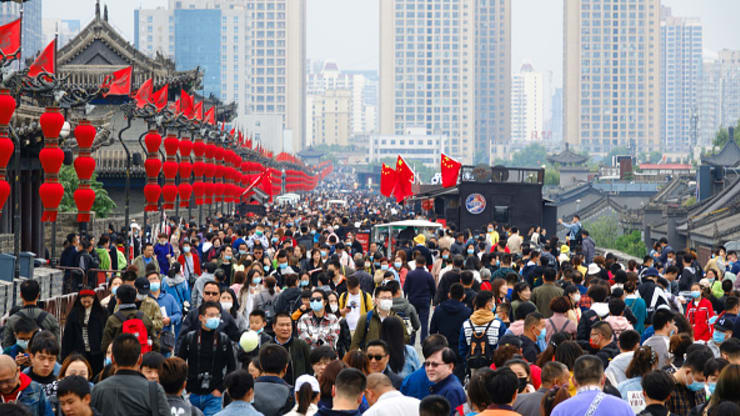
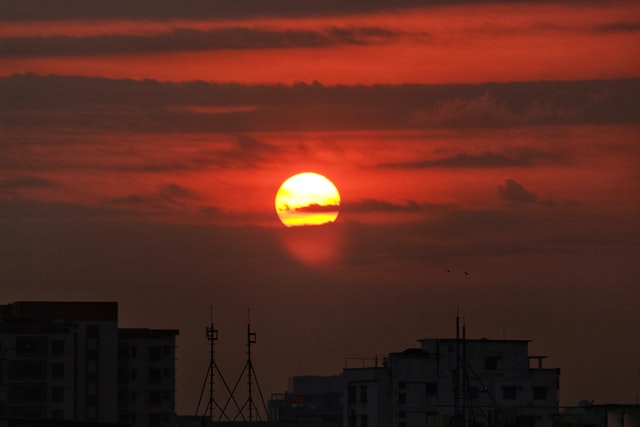
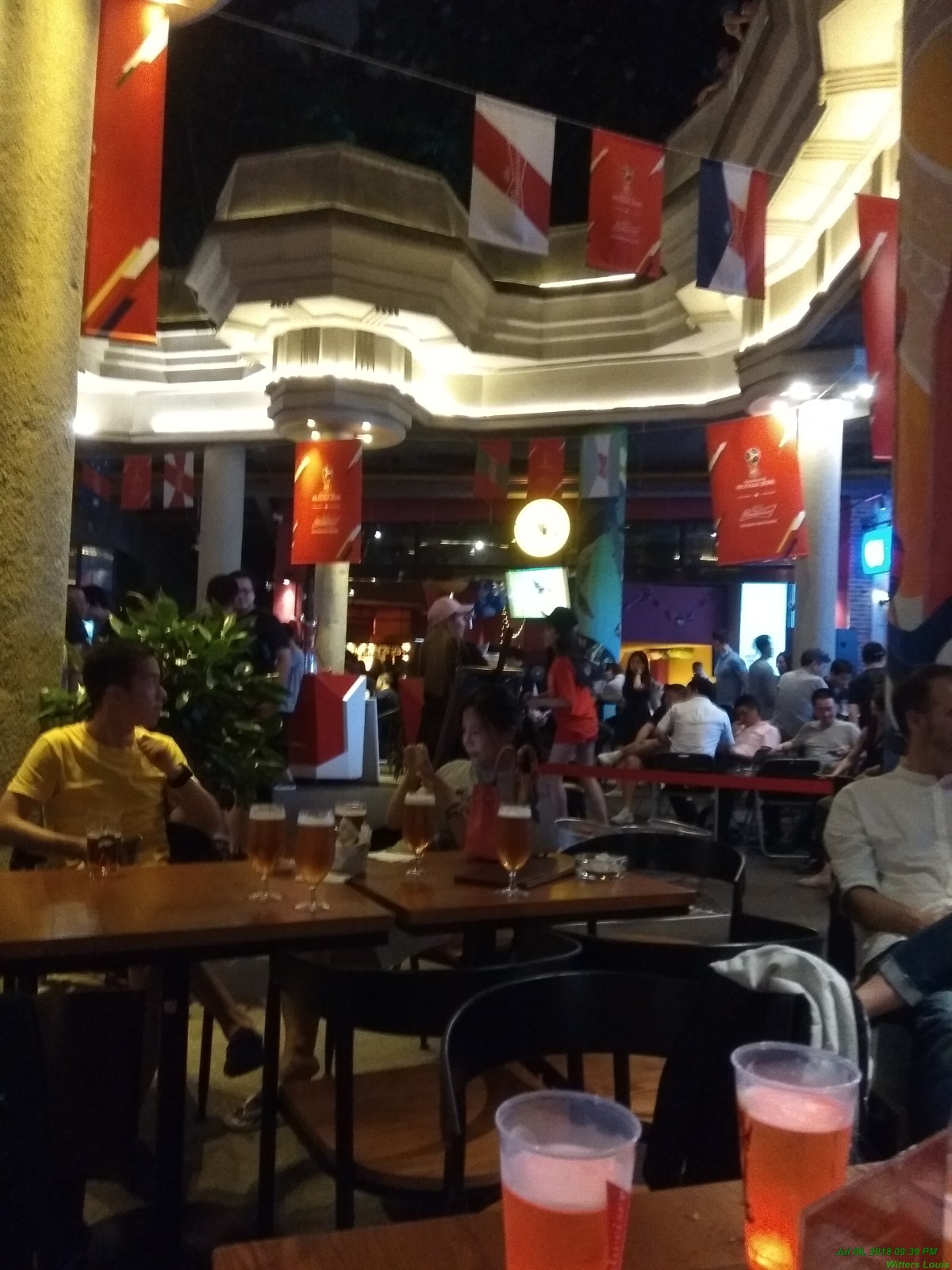
image card layout adopting to container width

Sample photo

Caption text

code:
            <:div class="card">
                <:img src="../images/20.jpg" alt="Sample photo">
                <:p>Caption text<:/p>
            <:/div>
            <:style>
                .card {container-type: inline-size; border: 1px solid #ccc; padding: 1rem; }
                /* Default: small layout */
                .card img { width: 100%; height: auto; }
                /* Medium container: show image + text side by side */
                @container (min-width: 300px) {
                    .card { display: flex; gap: 1rem;}
                    .card img { width: 120px; height: 120px; object-fit: cover;}
                }
                /* Large container: bigger image */
                @container (min-width: 450px) {
                    .card img {width: 360px; height: 360px; }
                }

                /* Large container: bigger image */
                @container (min-width: 1024px) {
                    .card img {width: 560px; height: 560px; }
                }
            <:/style>
        

Sample image

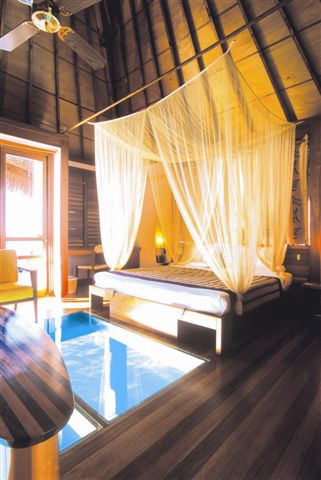
Card Title

This is a sample card description. It adapts based on the container size!

Sample image

Small Card

This card is in a narrow container.

Sample image

Wide Card

This card is in a wider container.

code:
           <div>
                <div class="container">
                    <div class="card">
                        <img src="../images/11.jpg" alt="Sample image">
                        <div class="card-content">
                            <h3>Card Title</h3>
                            <p>This is a sample card description. It adapts based on the container size!</p>
                        </div>
                    </div>
                </div>
                <div class="container" style="max-width: 300px;">
                    <div class="card">
                        <img src="../images/12.jpg" alt="Sample image">
                        <div class="card-content">
                            <h3>Small Card</h3>
                            <p>This card is in a narrow container.</p>
                        </div>
                    </div>
                </div>
                <div class="container" style="max-width: 500px;">
                    <div class="card">
                        <img src="../images/13a.jpg" alt="Sample image">
                        <div class="card-content">
                            <h3>Wide Card</h3>
                            <p>This card is in a wider container.</p>
                        </div>
                    </div>
                </div>
            </div>
            <style>
                /* Set up the container */
                .container { container-type: inline-size; /* Query the inline size (width) */ container-name: card-container;
                     width: 100%; max-width: 600px; /* Simulate different container sizes */ margin: 20px auto; padding: 10px;
                     border: 1px solid #ccc;}
                /* Default card styles (stacked layout) */
                .card { display: flex; flex-direction: column; background-color: #f9f9f9; border-radius: 8px; overflow: hidden;
                    font-size: 0.9rem; }
                .card img { width: 100%;    height: auto; }
                .card-content {padding: 15px;}
                .card-content h3 {margin: 0 0 10px;font-size: 1.5rem;}
                .card-content p {margin: 0;font-size: 1rem;}
                /* Container query for wider containers */
                @container card-container (min-width: 400px) {
                    .card {flex-direction: row;align-items: center;}
                    .card img {width: 50%; /* Image takes half the width */ height: auto;}
                    .card-content { width: 50%; /* Content takes half the width */ padding: 20px; }
                }
                /* Medium containers (300px and up) */
                @container card-container (min-width: 300px) {
                    .card {font-size: 1rem;}
                    .card-content {padding: 15px;}
                }
                /* Very wide containers (500px and up) */
                @container card-container (min-width: 500px) {
                    .card {font-size: 1.1rem;}
                    .card-content h3 {font-size: 1.8rem;}
                }
                /* Fallback for browsers without container query support */
                .card {flex-direction: column; }
                /* Container query for supported browsers */
                @supports (container-type: inline-size) {
                    .container {container-type: inline-size; container-name: card-container;}
                    @container card-container (min-width: 400px) {
                        .card {flex-direction: row;}
                    }
                }
            </style>
            -